shipped · runs in a tray
Vox
- Built for:
- One person. Me, at the keyboard, all day, every day, when typing is slower than speaking.
- Not built for:
- Anyone who needs an account, a cloud upload, or a multi-language translation surface. Vox transcribes English at the cursor, full stop.
Hold right-Ctrl, speak, release. Whatever you said appears at the cursor — in any application, in any text field, with sub-second latency on a stock laptop CPU. No account, no cloud, no listening when you don’t want it to.
The problem
Cloud dictation tools are accurate, fast, and listening. The cost of accuracy and speed is that the audio leaves the machine; the cost of leaving the machine is that someone else gets a copy of every sentence I say at my desk. That’s a bad trade for daily use.
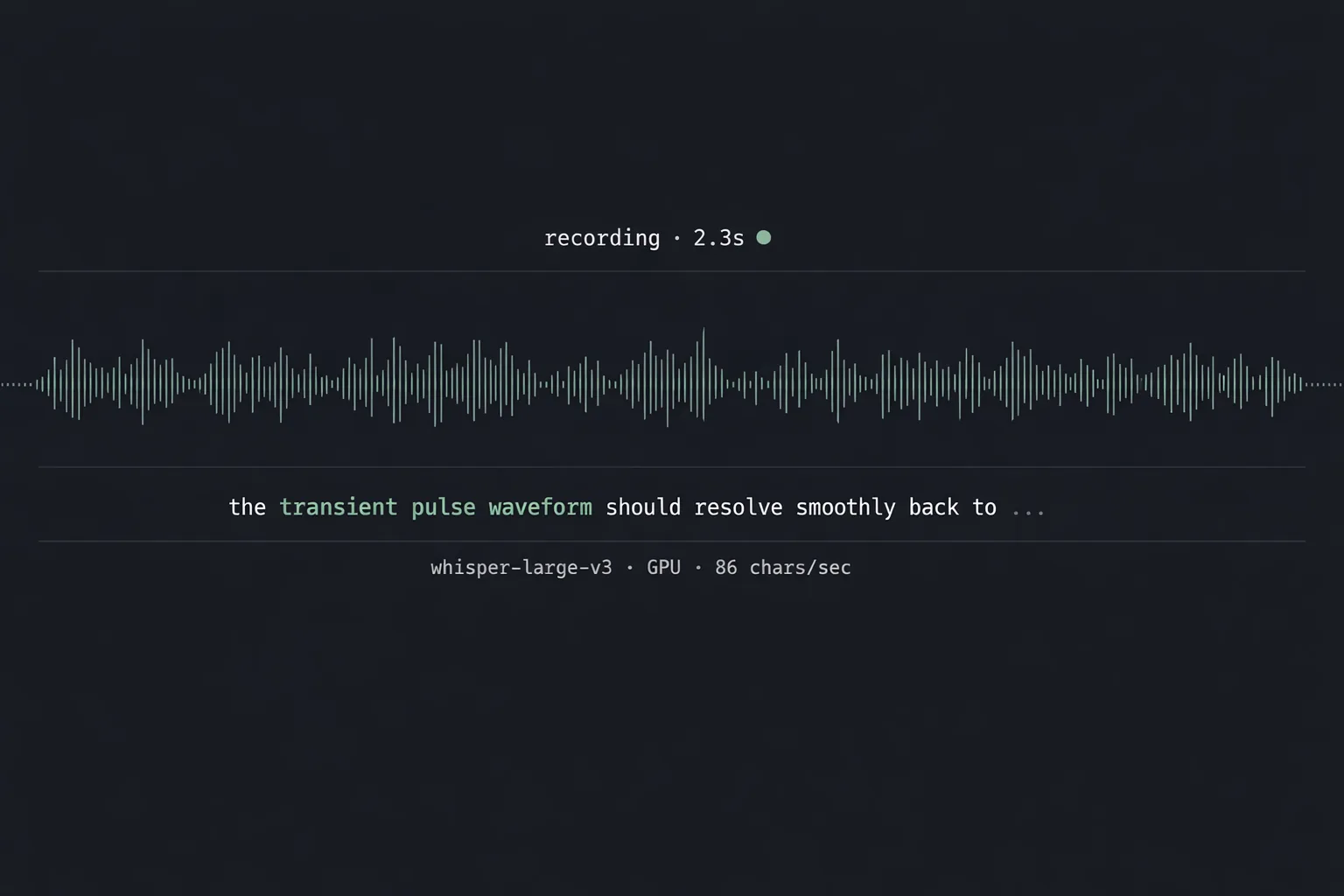
Local dictation has been good enough for a year and a half. Vox is a thin shim around faster-whisper with one trick: a single hotkey that turns on the mic, captures audio while held, transcribes on release, and types the result at the cursor via Win32 SendInput. No window, no menu, no decision to make.
Decisions
kept
Push-to-talk over voice activity detection. PTT is unambiguous; VAD picks up the radio, the dog, the air conditioning, my exhale at 11 PM. The wrong thing transcribed is worse than no transcription.
kept
A lockfile (
voicetype.active) at the project root that exists only while the mic is hot. Other voice tools on the same machine respect the lockfile and mute themselves; without it, two listeners would fight for the mic and both would lose.cut
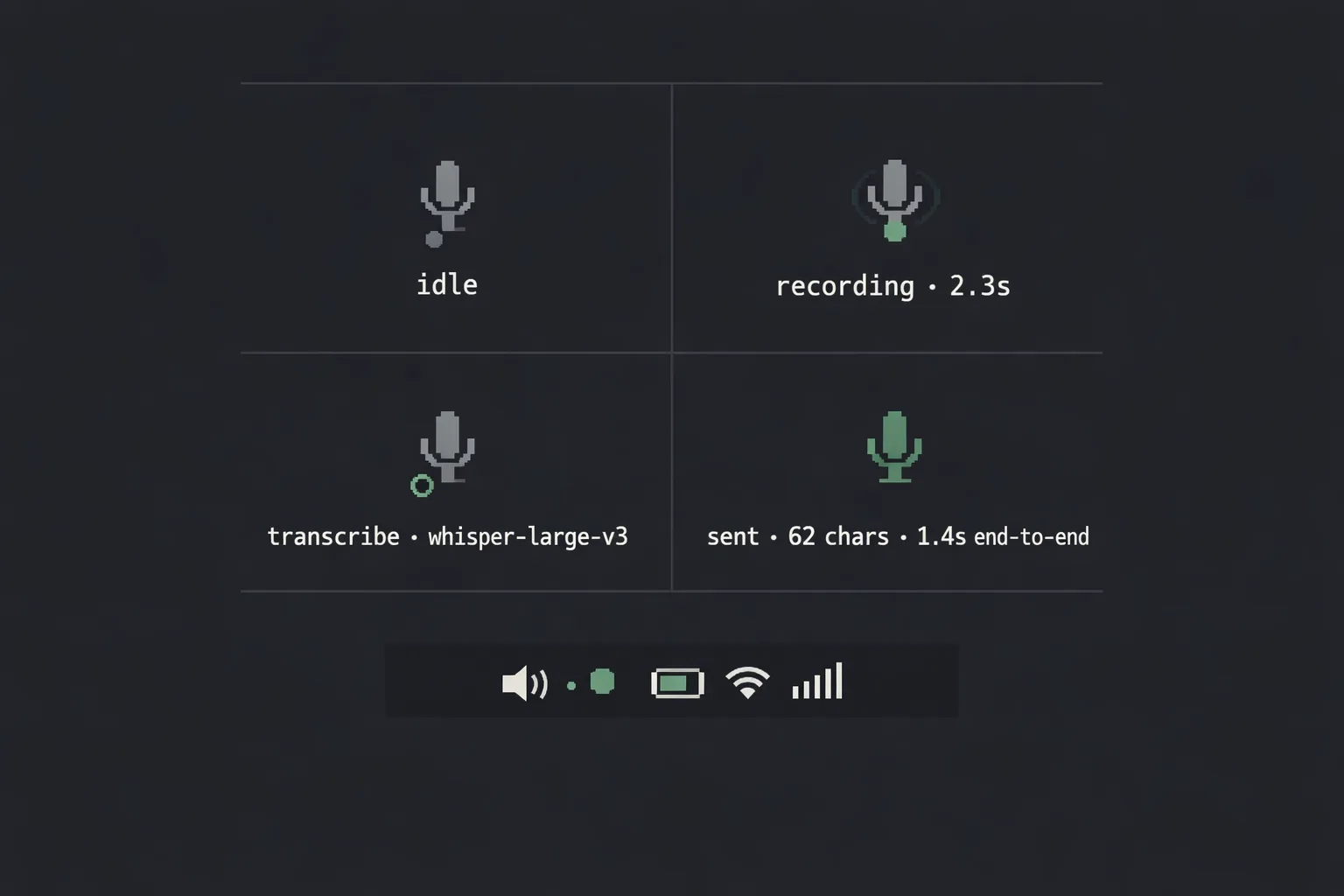
A floating UI window. The status feedback is a tray icon — grey idle, blue recording, yellow processing, green flash on success. A real window would invite configuration, and configuration is the enemy of a tool I want to forget I’m using.
System
| Layer | Implementation | Purpose |
|---|---|---|
| Hotkey | Global Win32 hook | Right-Ctrl press / release events |
| Capture | PyAudio | 16 kHz mono WAV ring buffer while held |
| Transcribe | faster-whisper | Local Whisper inference, CPU or CUDA |
| Inject | Win32 SendInput | Types into the focused text field |
| Status | Tray icon (Tkinter) | Four colors, no chrome, no decisions |
| Coord | Lockfile | voicetype.active · respected by peer tools |
# One global hotkey: right-Ctrl. Press starts recording and writes
# the lockfile so peer voice tools mute themselves. Release stops,
# transcribes locally, types into whatever has focus.
def on_press(key):
    if key != Key.ctrl_r or recorder.active:
        return
    LOCKFILE.touch()                         # peer tools see this
    set_tray("recording")
    recorder.start()                         # 16 kHz mono ring buf

def on_release(key):
    if key != Key.ctrl_r or not recorder.active:
        return
    audio = recorder.stop()
    LOCKFILE.unlink(missing_ok=True)
    set_tray("processing")
    text = whisper.transcribe(audio, language="en").strip()
    if text:
        SendInput(text)                      # type at the cursor
        set_tray("done")
    else:
        set_tray("idle")
{"t":"14:02:18.402","event":"press","key":"right_ctrl","lockfile":"created"}
{"t":"14:02:18.418","event":"capture_start","sr":16000,"channels":1}
{"t":"14:02:21.071","event":"release","key":"right_ctrl","duration_ms":2653}
{"t":"14:02:21.084","event":"transcribe_start","model":"distil-whisper-large-v3","device":"cpu"}
{"t":"14:02:21.812","event":"transcribe_done","ms":728,"chars":62}
{"t":"14:02:21.815","event":"send_input","method":"win32_unicode","chars":62}
{"t":"14:02:21.821","event":"done","total_ms":1419,"text":"the cost of accuracy is that the audio leaves the machine"}
Acknowledgments
The signal chain reads like this: PyAudio captures, faster-whisper transcribes against the OpenAI Whisper weights, Win32 SendInput types into whatever has focus, and a Tkinter tray icon supplies the four-color status read-out. Push, speak, release, type — five hops, none of them mine, all of them small enough to read in an afternoon.