shipped · hotkey-only surface
Grid
- Built for:
- People who launch the same 25 things every day and want a faster path than the Start menu, the dock, or muscle-memorising 25 distinct shortcuts.
- Not built for:
- People who want a maximalist launcher with categories, search, and AI summon. Grid is 25 tiles and a hotkey, and that is the entire surface.
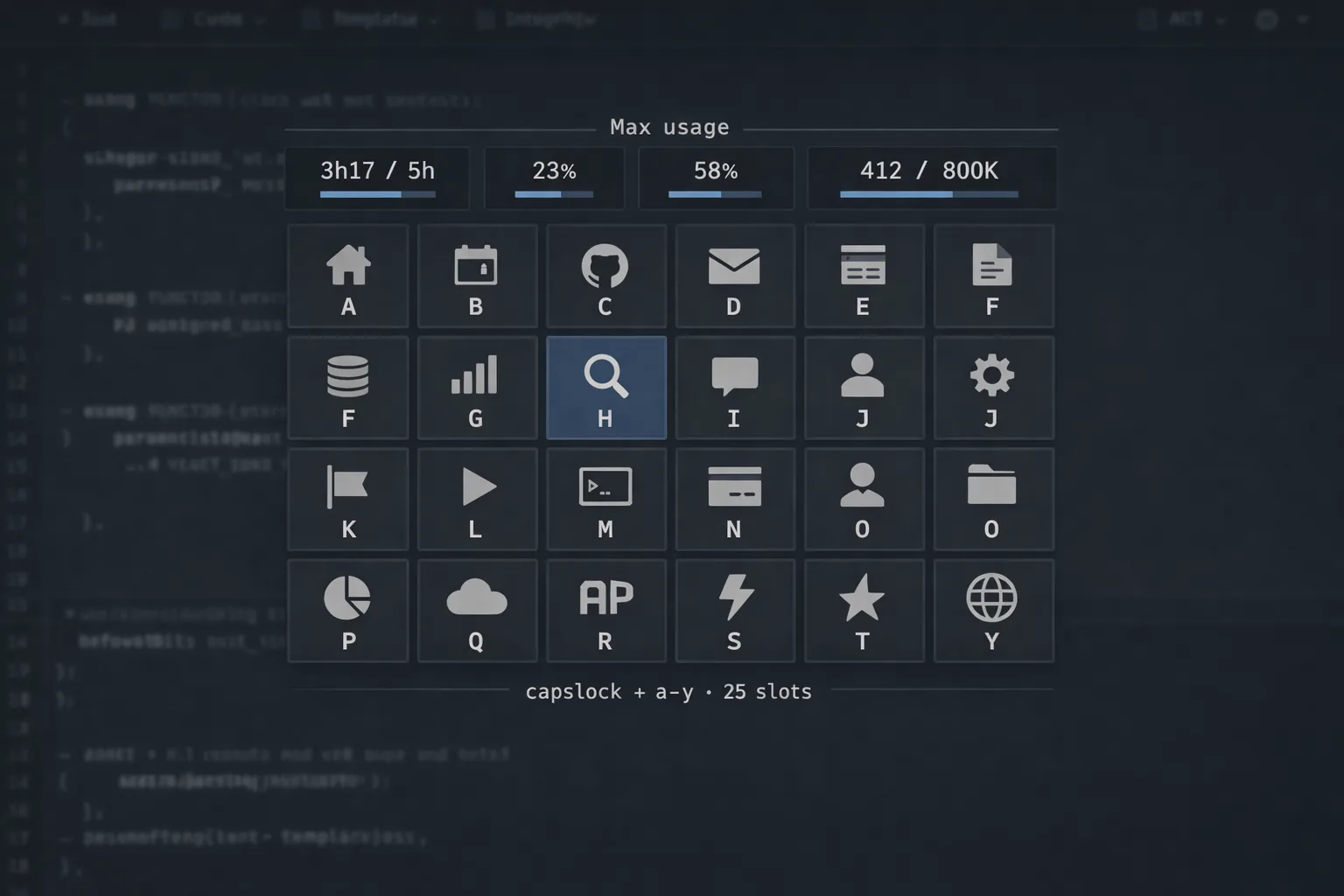
Press the hotkey, the grid appears, a number or a letter launches the thing. Plus a row of live tiles showing Claude Max session usage — pulled directly from Anthropic’s OAuth endpoint, not screen-scraped, not guessed.
The problem
The Start menu is a keyboard input field that wants you to type. The taskbar is a row of pictograms that requires the mouse. Both are slow when the thing I’m launching is one of the 25 I launch every single day. Grid is for those 25.
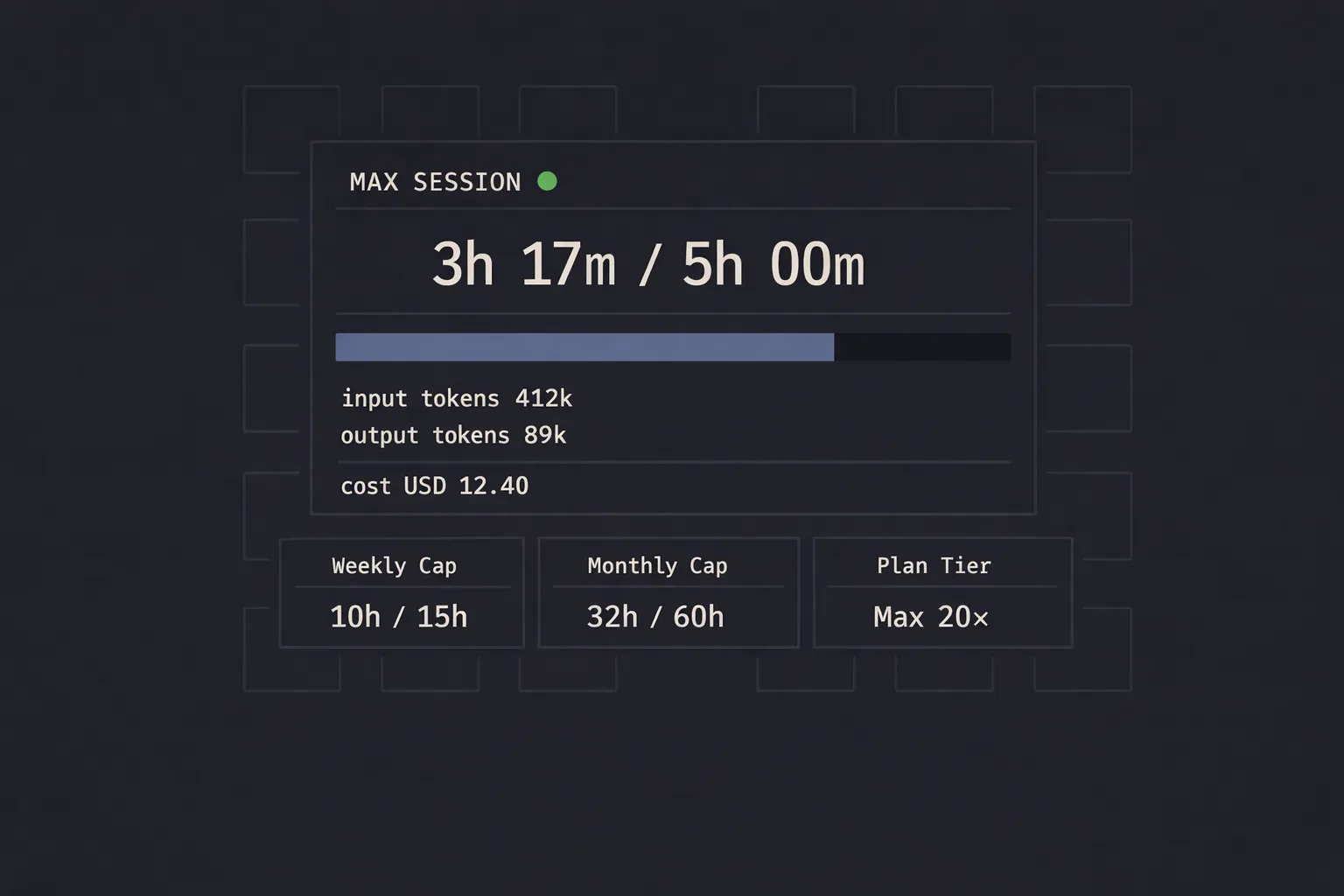
The second piece — the live Claude Max usage row — is an answer to a different daily question: how much of this session window have I burned, and how much is left. Anthropic publishes this through the same OAuth endpoint Claude Code uses. Grid pulls it directly, refreshes the tile, and that’s the truth.
Decisions
kept
5×5, not configurable. The grid is exactly the size of a number row plus four letter rows; you can hit any tile with one keystroke. Adding a sixth row is the kind of feature that erases the entire reason the tool is fast.
kept
OAuth direct over screen-scraping. Polling Anthropic’s OAuth usage endpoint with a refresh-token-only client returns canonical numbers; scraping the dashboard returns whatever the dashboard happened to render that minute. Direct beats indirect.
added
A local TTS widget, launched from one of the tiles. Zonos transformer running entirely on-device, voice-cloning from short audio samples, with break and emotion tags in the prompt. Everything stays on the laptop.
System
| Layer | Implementation | Purpose |
|---|---|---|
| Hotkey | WinAPI global hook | Show / hide the grid overlay |
| Overlay | PyQt frameless window | 5×5 grid, key-driven, no mouse |
| Usage daemon | OAuth refresh loop | api.anthropic.com/api/oauth/usage direct |
| TTS widget | Zonos transformer | Local voice cloning · emotion + break tags |
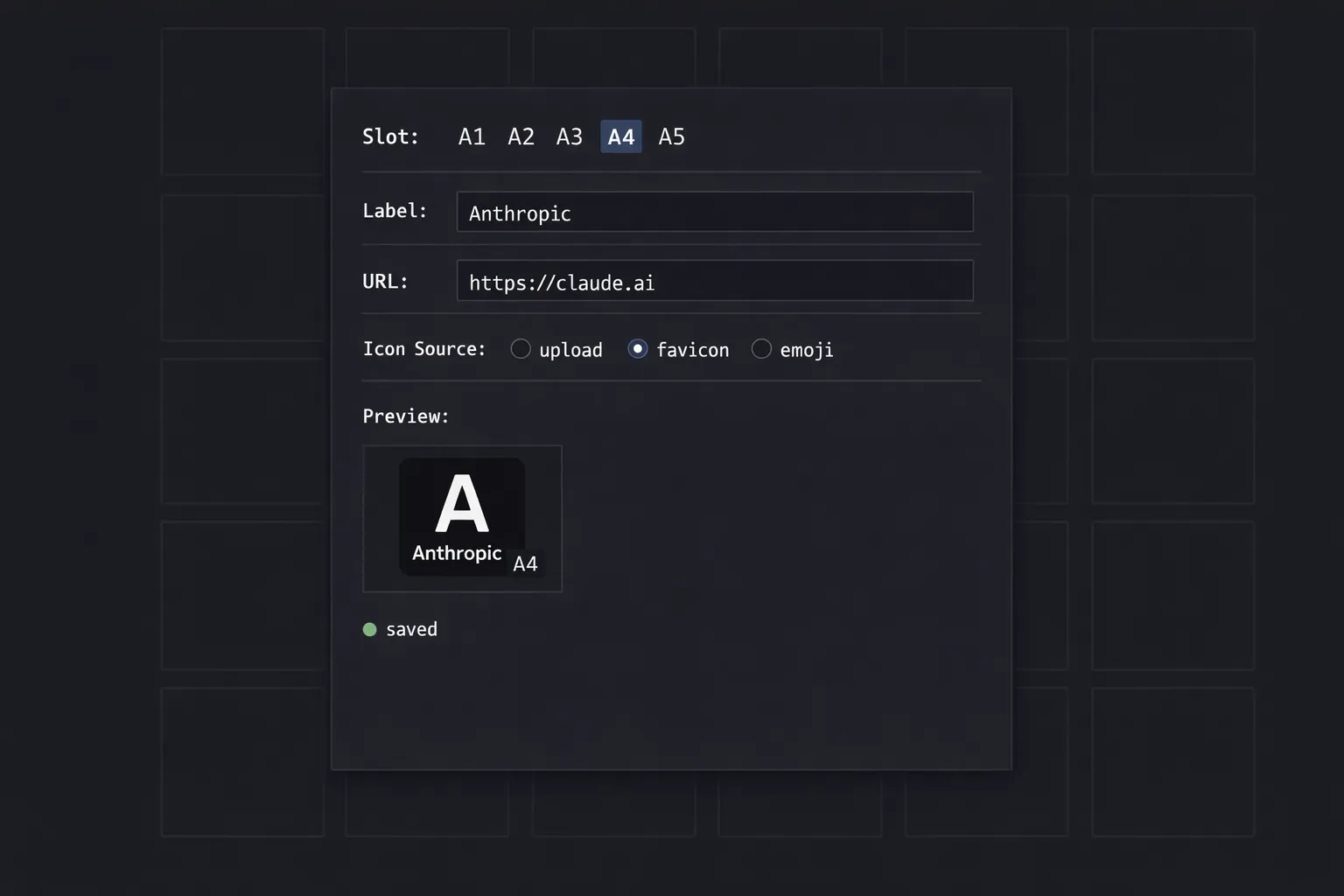
| State | SQLite | Tile config · usage history · launches |
Acknowledgments
Dependencies, sorted by what would break first if removed: WinAPI for the global hotkey, PyQt for the frameless overlay, the Anthropic OAuth usage endpoint for the live-tile data (the one piece nobody else is serving), Zyphra’s Zonos transformer plus eSpeak NG for the local TTS widget. Five tools, twenty-five tiles, one hotkey. None of them mine.
← Index