v1.0 · 144 tests passing · running on a 3090 Ti
Darkroom
- Built for:
- People who want to develop AI imagery the way you’d develop film — slowly, with intention, on their own hardware, with no per-frame cost and no upload prompt.
- Not built for:
- Anyone who needs cloud throughput or a hosted API surface. Darkroom is single-machine by design.
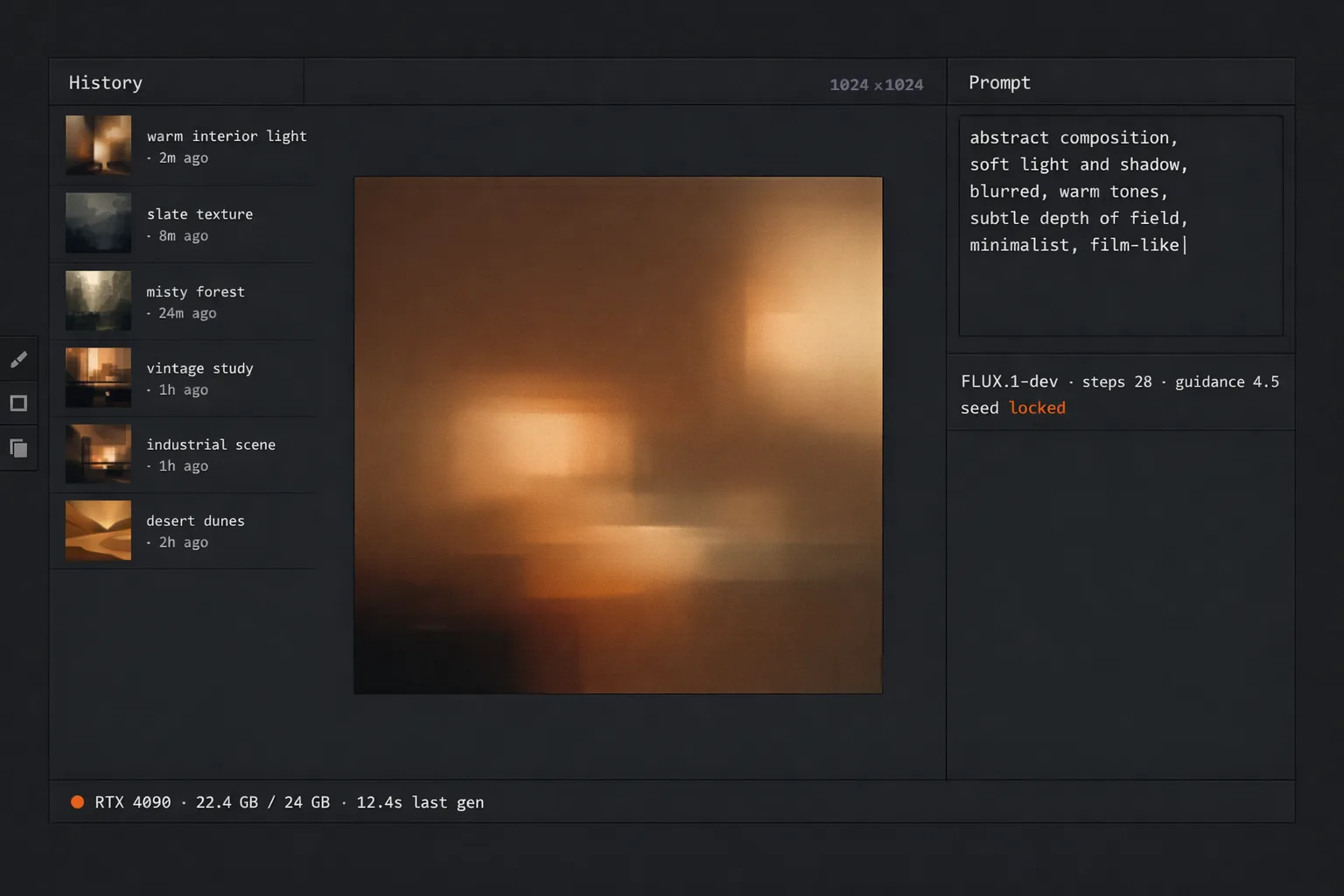
A real darkroom is a room you walk into and a process you control end to end. Darkroom — the app — is a desktop image-generation and editing surface that treats local inference as the default: FLUX.1-dev, RealVisXL Lightning, your own LoRAs, no per-frame cost, no telemetry, no ceiling on how much you develop in a sitting.
The problem
Hosted image-generation services charge per call, throttle on concurrency, train on your prompts unless you read the fine print right, and quietly raise prices the quarter after you build a workflow on top of them. The pricing model is rented compute; the GPU on your desk is owned compute. Anyone shipping imagery at any volume has already paid for both.
Darkroom is the opposite shape. Every model runs locally. Every generation is free at the marginal-cost level. Every prompt stays on the machine. The trade is hardware up-front instead of metered cost forever — a trade that pays back inside a few hundred frames at any reasonable cloud rate.
Decisions
Four calls that shaped what Darkroom is and isn’t. Each of them cost something I deliberately gave up.
cut
Stable Diffusion XL Turbo. The pipeline was 2.1× faster at sub-40-step generation, but the output regressed below the bar I want to print at. Speed for speed’s sake isn’t a feature; the floor on quality is.
kept
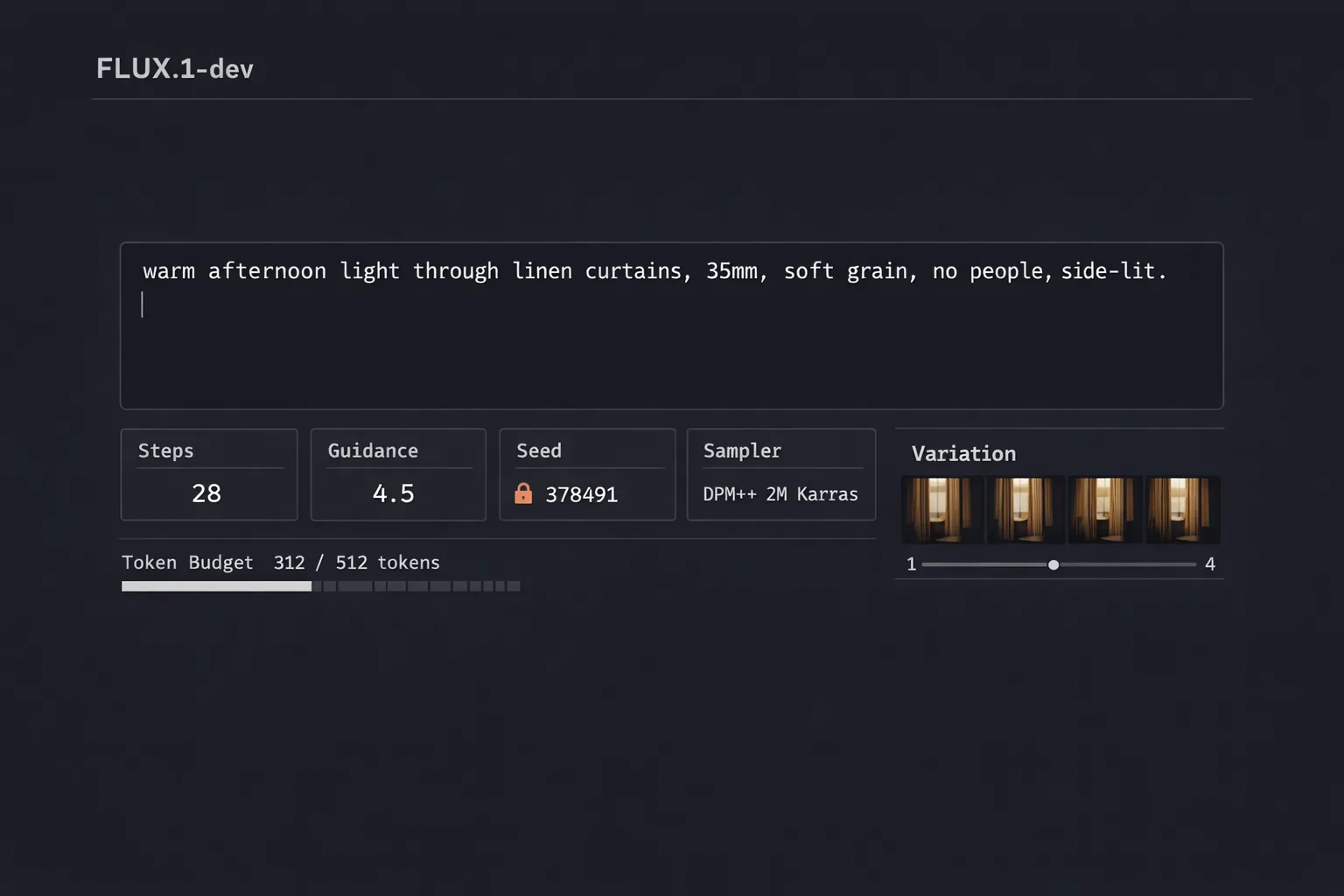
FLUX.1-dev as the headline model. Slower than Turbo, larger than SDXL, fussier on prompts — but the only one that holds up at 1024×1536 portrait without a refinement pass. The base model has to be the best one I can run; everything else builds on it.
refused
A cloud-API fallback for “when local generation isn’t fast enough.” The whole premise is that the local pipeline is the pipeline. A fallback would erase the cost and privacy guarantees the local-first claim makes; worse, it would teach the workflow to depend on it.
The cheapest GPU is the one already on your desk.
System
A native desktop window, a Python inference core wrapped indiffusers, a thin job queue, and a model registry that picks the right pipeline for the task at hand. Every pipeline runs in-process; nothing is shelled out, nothing leaves the machine.
| Layer | Implementation | Purpose |
|---|---|---|
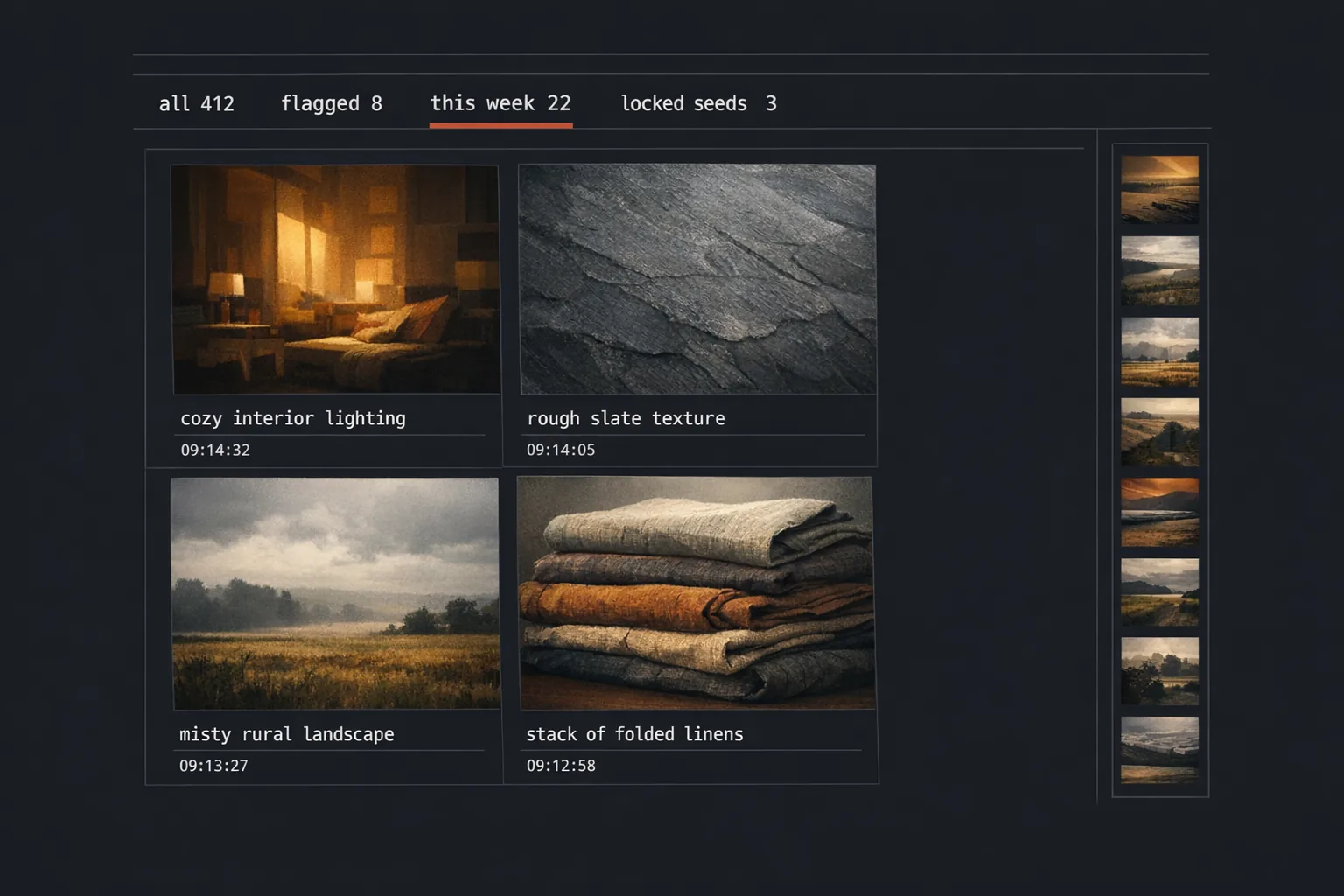
| Shell | PySide6 (Qt 6.7) | Native window · canvas · brushes · history |
| Inference | PyTorch 2.6 + diffusers | FLUX.1-dev · RealVisXL Lightning · LoRA |
| Schedulers | Euler / DPM-Solver++ | Quality vs. speed selectable per job |
| Editor | Custom canvas | Inpaint · outpaint · masking · layers |
| Registry | Watched folder | Drop a .safetensors, restart, it’s loaded |
| Tests | pytest (144 cases) | Pipeline contracts · UI smoke · regressions |
Running it locally
The setup shape is below — Python, CUDA, a clone, a model pull, and a launch.
setup.ps1powershell# prerequisites: Python 3.13, NVIDIA GPU with 12 GB+ VRAM, CUDA 12+
git clone https://github.com/dbhavery/darkroomcd darkroom
python -m venv .venv
.\.venv\Scripts\Activate.ps1
pip install -r requirements.txt
python -m darkroom.fetch_models                   # ~14 GB pull
python -m darkroom
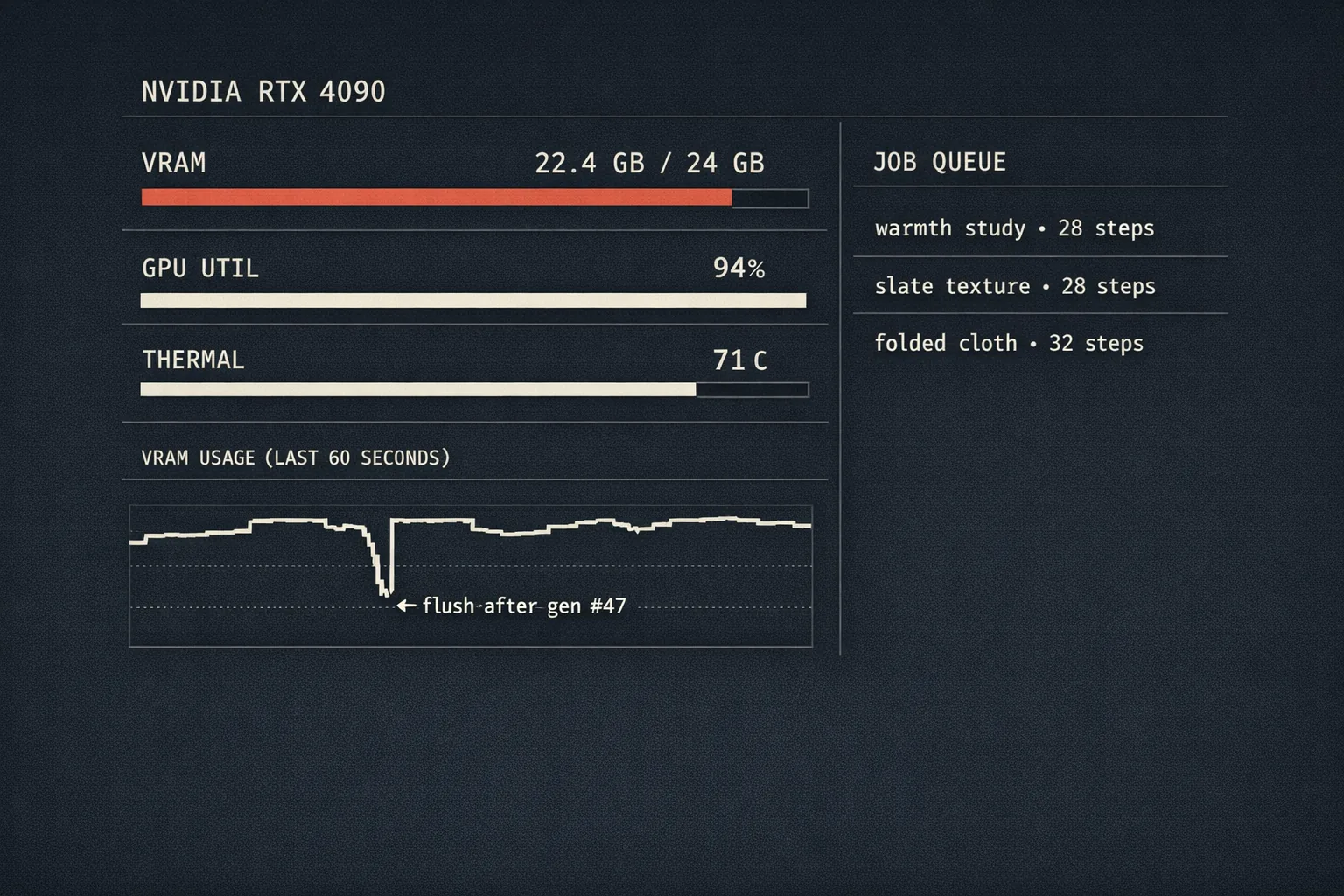
Targets Windows 11 + NVIDIA (CUDA). Linux build is a smaller patch but not the focus today. Disk: ~16 GB for the model set. Generation memory: ~10 GB at 1024-square; ~14 GB at 1536-portrait.
Acknowledgments
Darkroom stands on PyTorch and the Hugging Face diffusers stack, the FLUX team at Black Forest Labs, the RealVisXL community, Qt for Python, and every author whose LoRA fine-tunes I’ve run through the pipeline. The local-inference space owes most of its working code to people who released theirs.